May做题笔记
[安洵杯 2019]Attack
题目链接[BUUCTF在线评测](https://buuoj.cn/challenges#[安洵杯 2019]Attack)
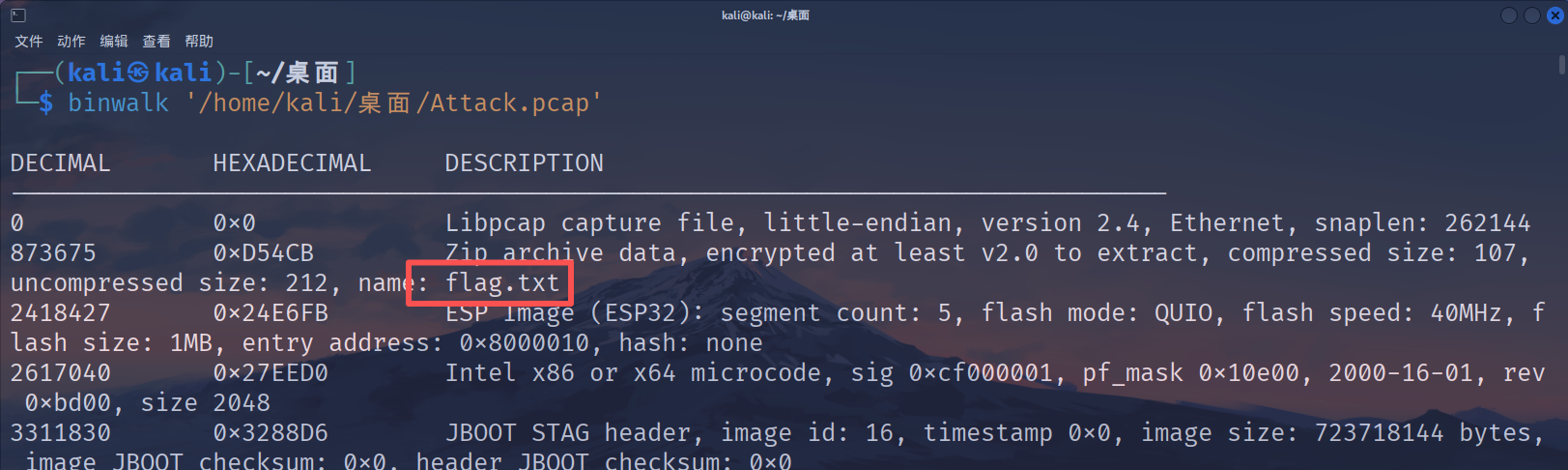
拿到流量包附件先用Wireshark打开看看有什么东西,扫了一遍并没有发现什么东西,直接binwalk看看,发现有一个flag.txt文件,尝试用foremost提取一下,提取出来一个压缩包里面有加密的flag.txt。用WinRAR打开看到注释是这可是administrator的秘密,怎么能随便给人看呢?
猜测要通过取证拿到administrator用户密码打开压缩包,导出http流里面的文件,看到有个.dmp文件
用mimikatz进行分析,mimikatz的项目地址ParrotSec/mimikatz
1 | mimikatz # sekurlsa::minidump lsass.dmp |
拿到用户密钥W3lc0meToD0g3
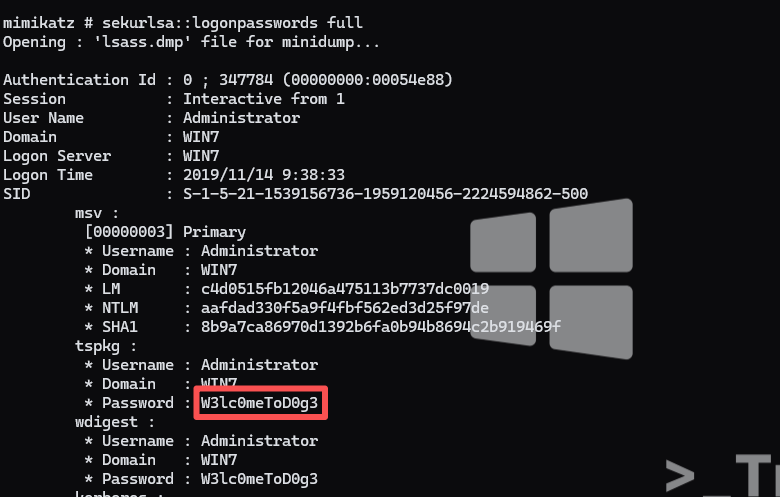
打开压缩包后拿到flag
1 | D0g3{3466b11de8894198af3636c5bd1efce2} |
蜘蛛侠呀
题目链接BUUCTF在线评测
tshark提取
过滤ICMP流,发现每条ICMP流后面都有一串数字,而且第一条还有起始标志
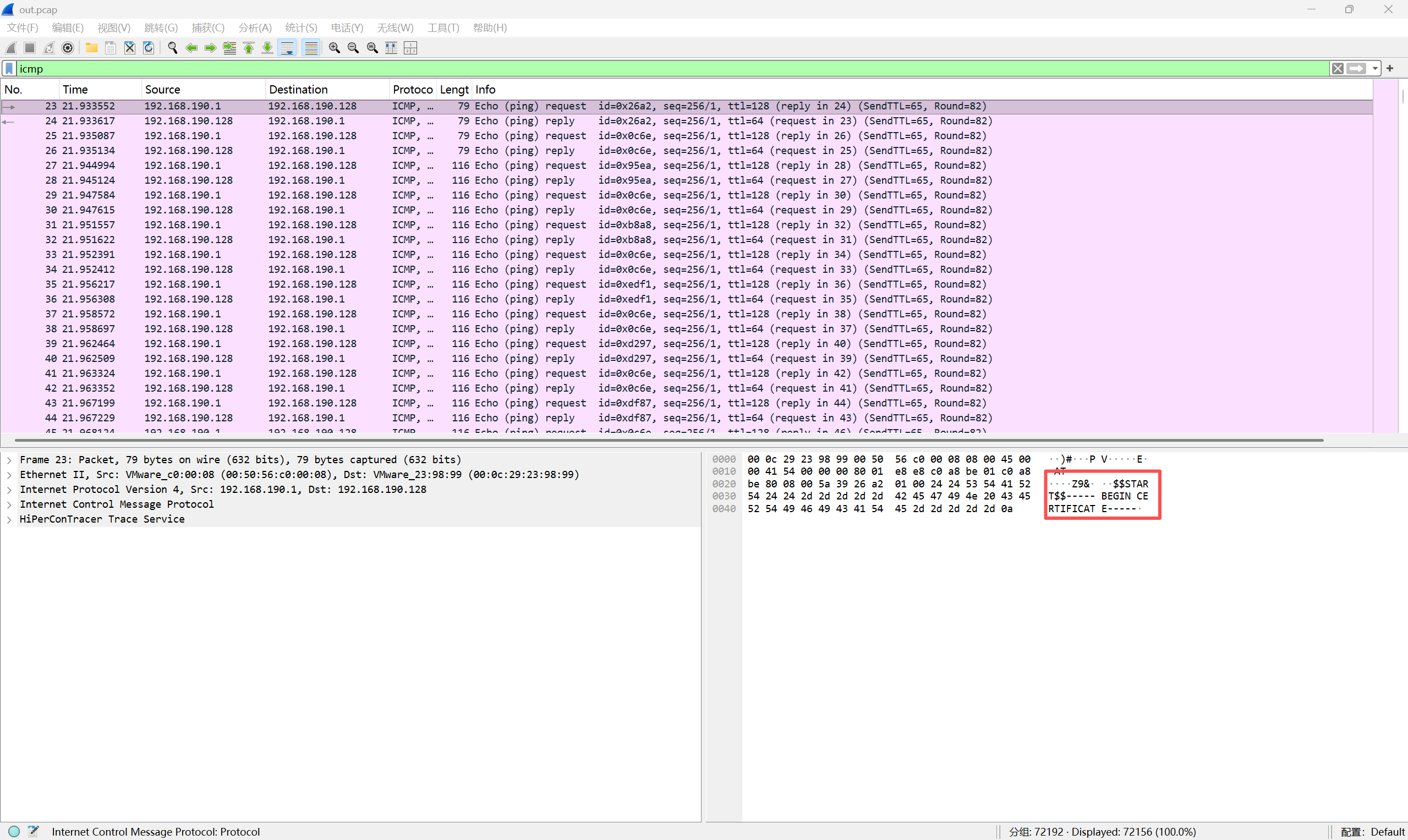
用tshark将这些数据全部提取出来
1 | tshark -r out.pcap -T fields -e data > data.txt |
去重+转字符
拿到提取出来的文件,发现里面的数据有重复的,于是写脚本对内容进行去重(参考了别的师傅的博客隐写术挑战-CSDN博客)
1 | import binascii |
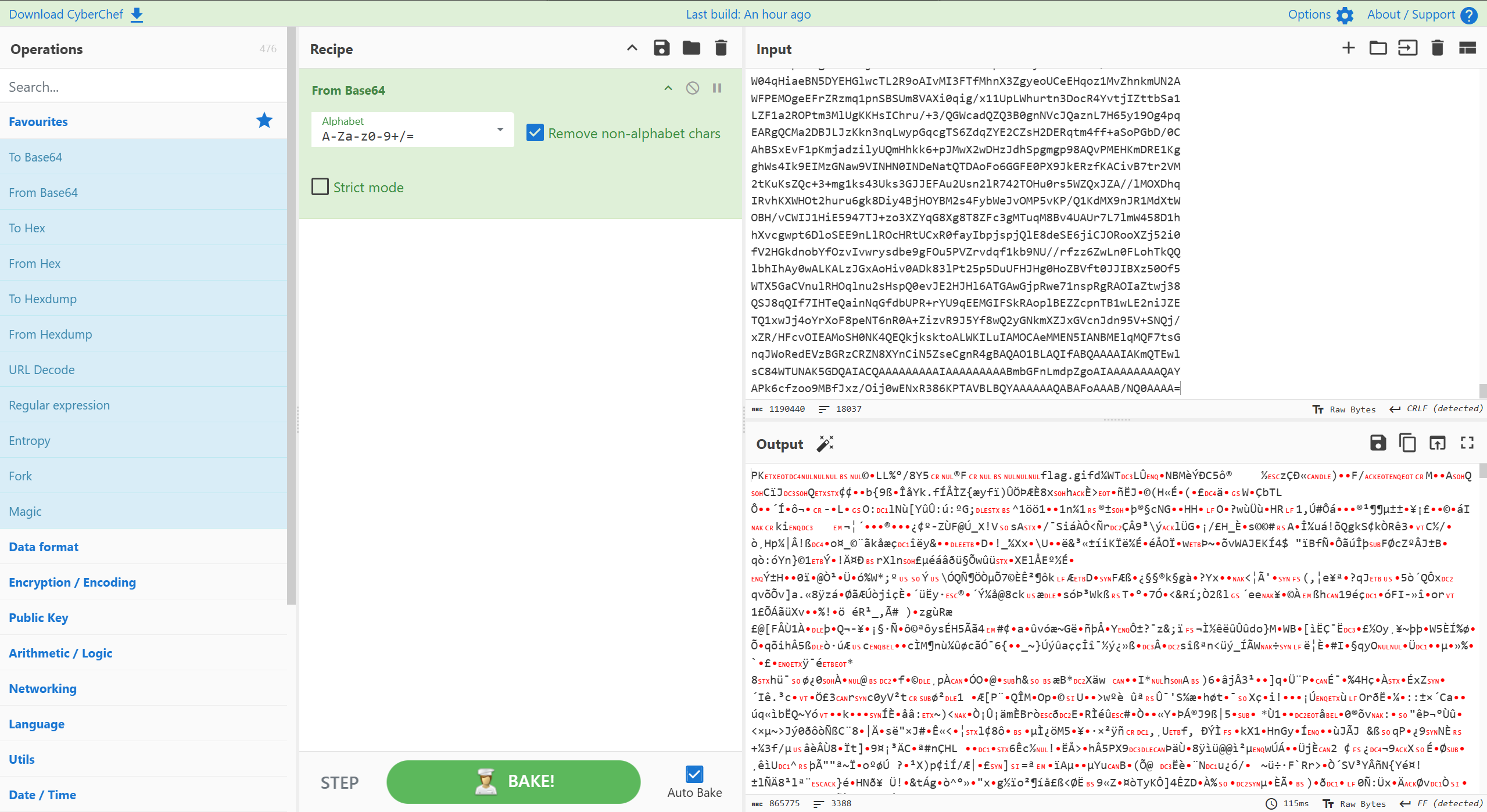
base64转zip
将字符串放进cyberchef进行转换,出来一个zip,打开发现是一张gif动图
时间隐写
没招了,拿到那种gif在那一顿分析,什么都没看出来,直到我去搜了其他师傅的WP,才发现是要用identify提取图片每一帧的延时时间([linux identify是什么命令_百度知道](https://zhidao.baidu.com/question/1937154876617985907.html#:~:text=使用identify命令的基本格式为:identify [options]input-file。 其中,options代表一系列参数,用于指定查询的具体信息,而input-file则是指需要分析的图像文件名。,例如,为了获取图片的详细信息,可以使用命令“identify -verbose input-file”。 这将输出图像的尺寸、类型、色彩深度、分辨率等详细数据。))
1 | identify -format "%T" flag.gif |

转换…
依次进行如下转换
- 数值替换:20变0,50变1。
- 二进制转十进制:码串转为大整数。
- 十进制转十六进制:数字转为Hex字符。
- 十六进制转字符串:还原出原始明文。
- 计算MD5:生成最终哈希值。
1 | import binascii |
运行脚本拿到flag
1 | flag{f0f1003afe4ae8ce4aa8e8487a8ab3b6} |
[湖南省赛2019]Findme
题目链接BUUCTF在线评测
不愧是省赛,不是一般的复杂啊
修复宽高
打开压缩包看见其他图片都是正常大小,唯独第一张图片小得离谱,丢进随波逐流直接修复宽高

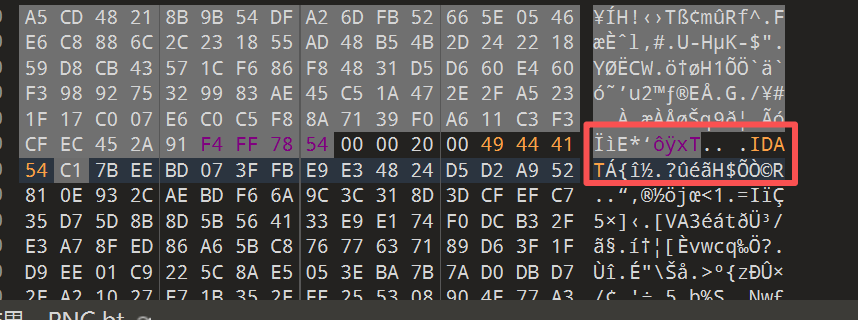
补充IDAT块
用010打开修复后的图片,发现有两部分都少了IDAT块
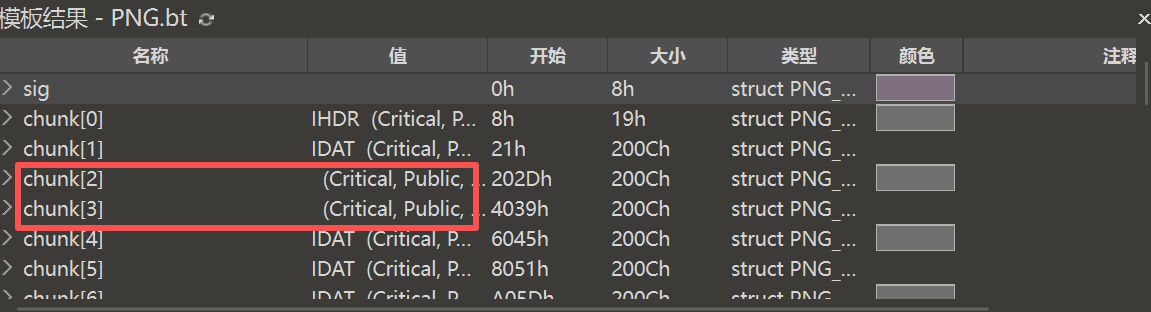
直接再模板里面找到,然后手动输入IDAT就行,模板真好用啊
颜色通道隐写
将得到的正常显示的图片用stegsolve查看各个通道的情况,在Blue plane 2看到了一个二维码
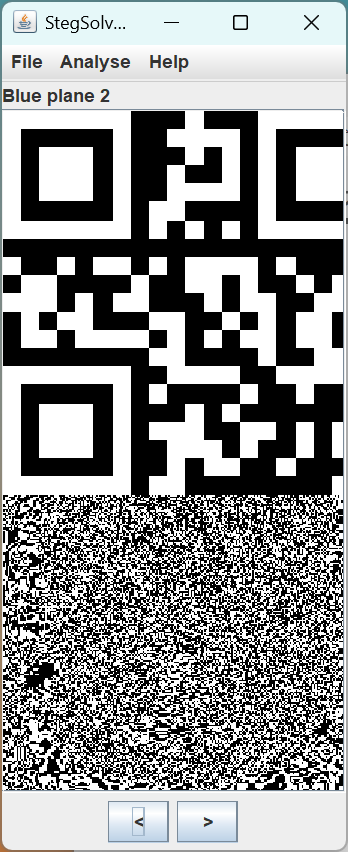
扫描二维码得到
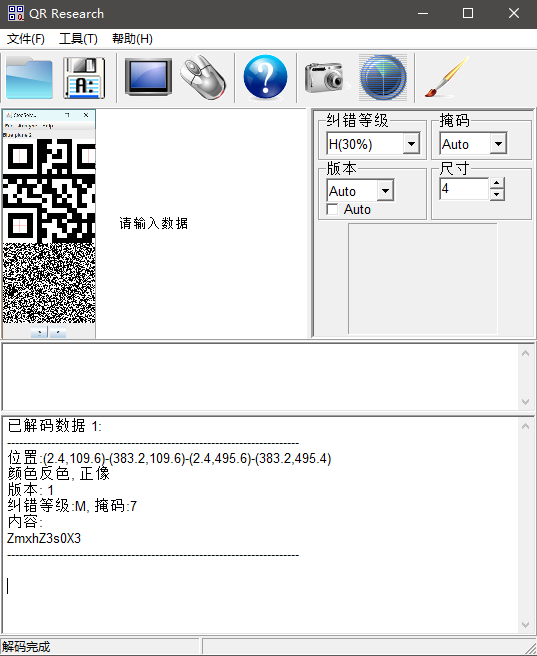
1 | ZmxhZ3s0X3 |
其实题目做多了就知道,这个其实就是flag头的base64编码
提取压缩包
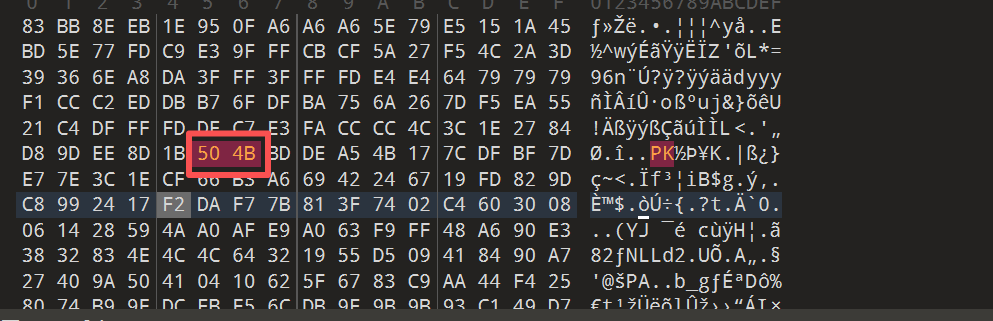
其实刚开始用随波逐流就已经扫出来第二张末尾有东西了,但是直接把内容解压并没有发现任何有意义的东西,于是我把7z统一全部替换成PK,然后导出来了一个zip
打开压缩包,发现将近1000个文本文档,直接按照大小排序,一个叫618.txt的排在了开头,打开看见了一段base64编码
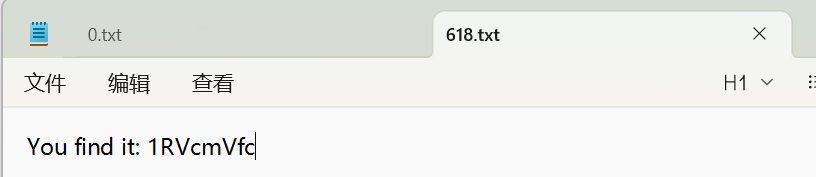
1 | 1RVcmVfc |
CRC值转ASCII
将第三张图片的crc值全部转为ASCII,得到又是一串base64编码
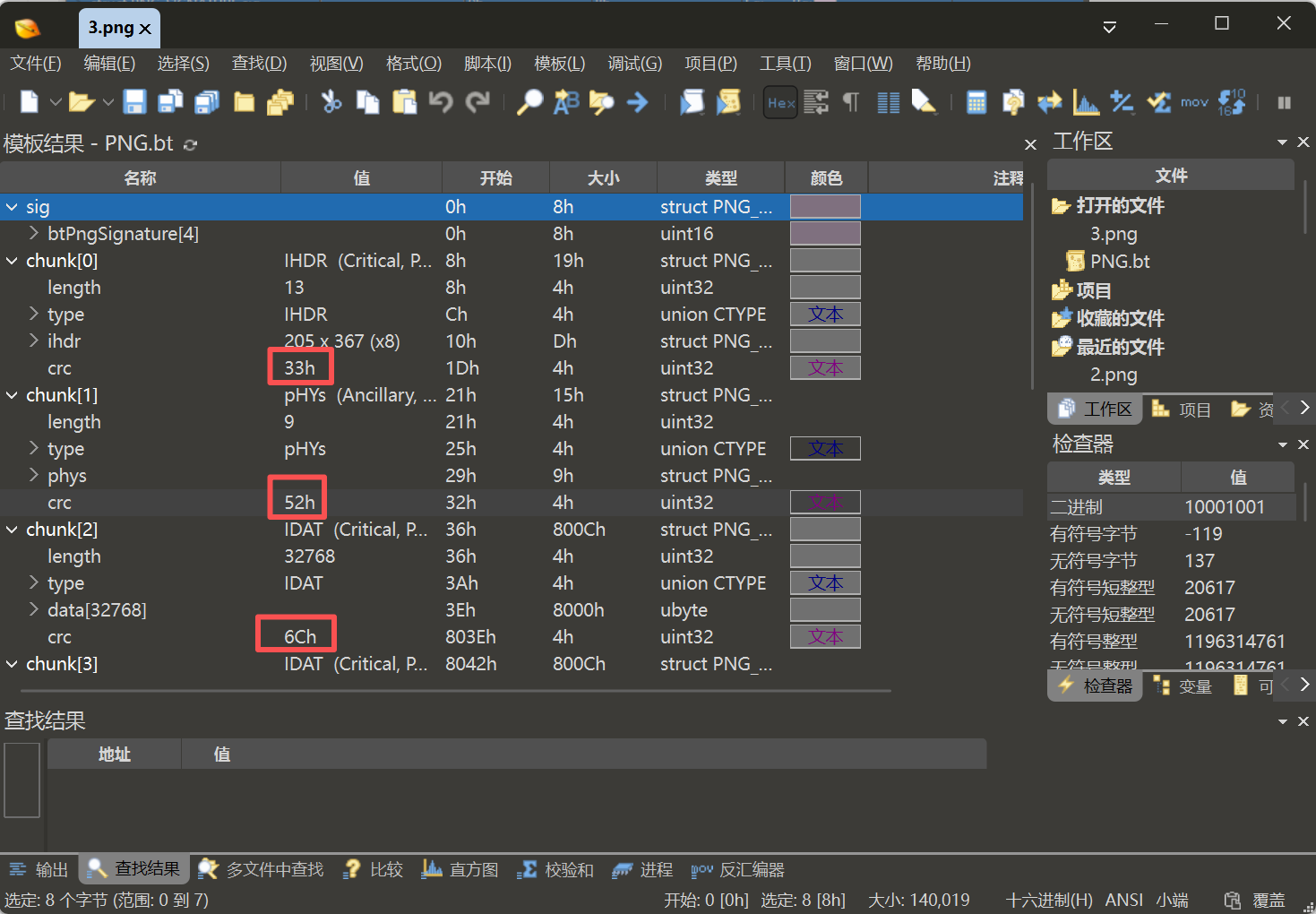
1 | 3RlZ30= |
Exiftool查看图片信息
用exiftool命令查看图片信息,得到第四段编码
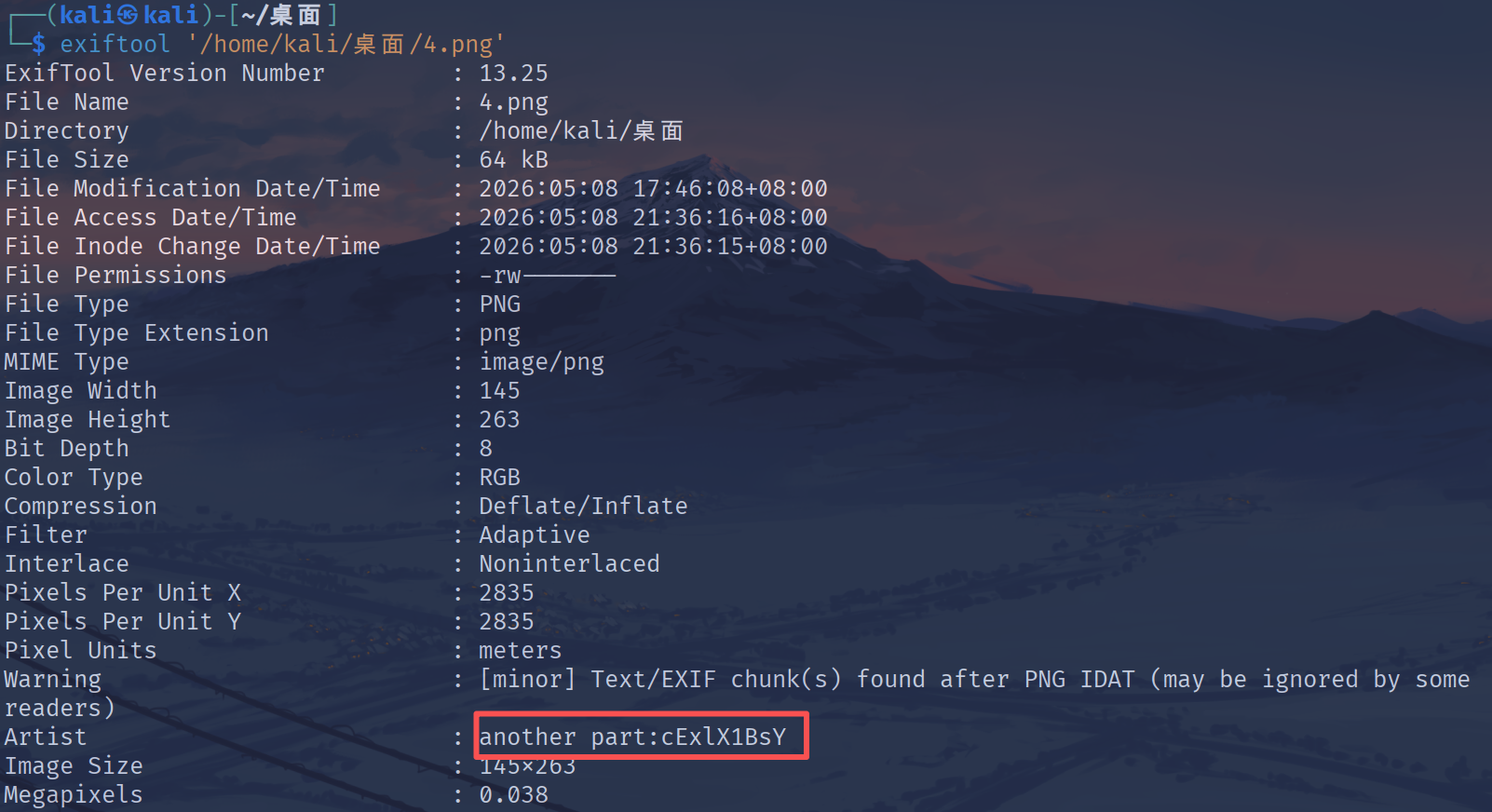
1 | cExlX1BsY |
最后一步
在010打开第五张图片,看见了末尾显示 I give U a gift: Yzcllfc0lN,得到最后一段编码
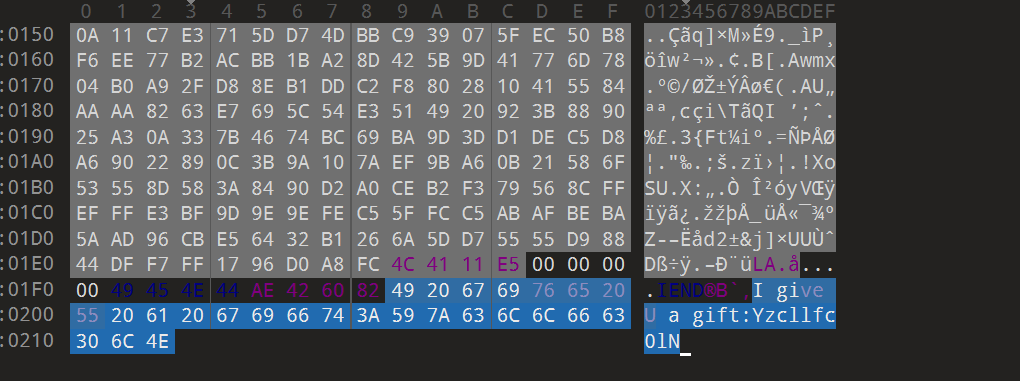
1 | Yzcllfc0lN |
拼接
把全部编码串在一起,再进行base64解码得到flag
1 | ZmxhZ3s0X3Yzcllfc0lNcExlX1BsY1RVcmVfc3RlZ30= |
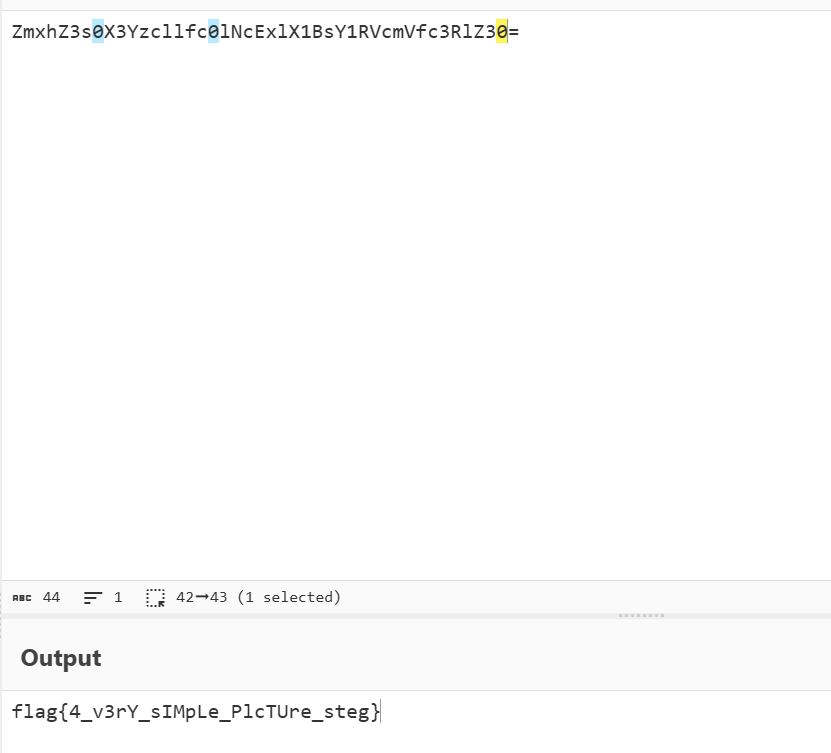
1 | flag{4_v3rY_sIMpLe_PlcTUre_steg} |